
Get the consensus of any thread
Ask once on a forum thread, a review page or Hacker News and get the consensus, with who said it.
No sign-up. Works as soon as it’s installed.
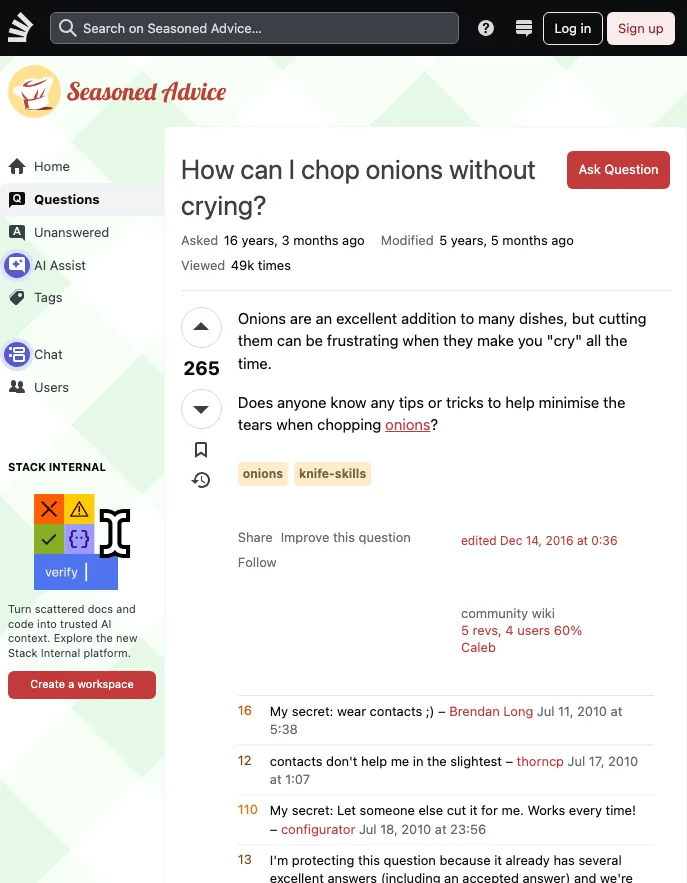
The same job, two ways
Doing it yourself
- Scroll down through every comment
- Expand the collapsed replies
- Note who said what as you go
- Work out where people agree yourself
With Browser Agent
Open the side panel on the thread and ask:
“What’s the consensus in this thread?”
You get back:
- The consensus in a sentence
- The most-backed views and the main complaints
- Who said each one, so you can find the comment
Why not just use a chatbot?
A regular chatbot can’t see the page you’re on. Browser Agent can, and it can act on it.
It sees the page you’re on
No copying and pasting. It reads the open tab: the text, plus a numbered list of its buttons and fields.
Every [n] links back
Research answers cite the pages they came from. In the side panel, each [n] opens its source.
Sum this up and check the official sources
Francis Halzen won the 2026 Nobel Prize in Physics for detecting neutrinos from deep space [1][2].
- Honored for his work on IceCube, light sensors set in South Pole ice [2]
- IceCube found neutrinos from far beyond our Solar System [1][2]
- He leads IceCube from the University of Wisconsin [1][3]
Sources
- [1] nature.com
- [2] nobelprize.org
- [3] icecube.wisc.edu
It does the clicking
It works the page the way you would, one step at a time, and you can stop it whenever you like.
- Click
- Fill in
- Scroll
- Change pages
Asks before paying or deleting
Before paying, submitting or deleting, the extension stops and waits for you to click Allow. A web page can’t talk it out of asking.
These are rules, not a guarantee. Keep an eye on what it does on sensitive sites.
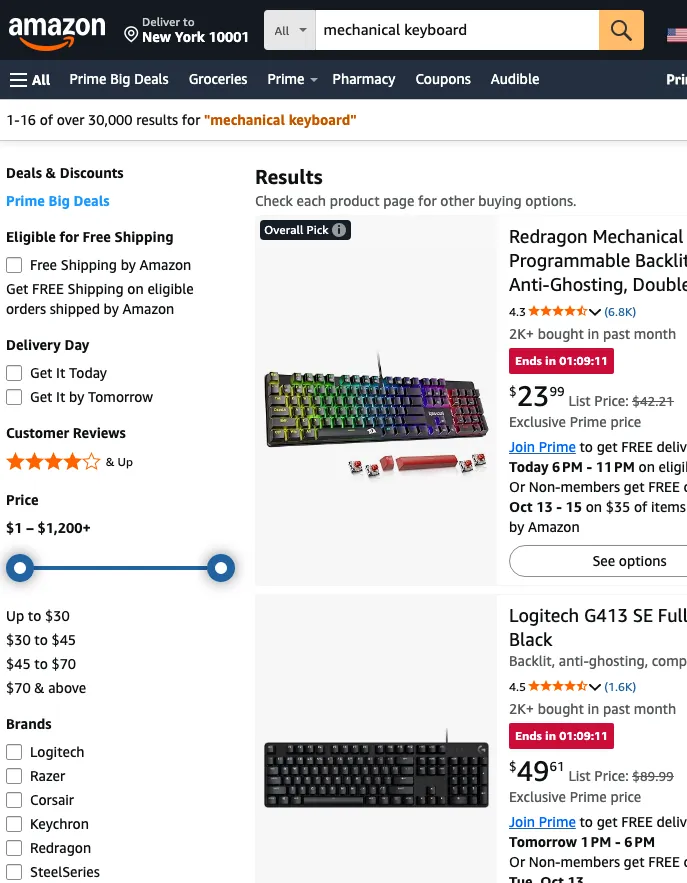
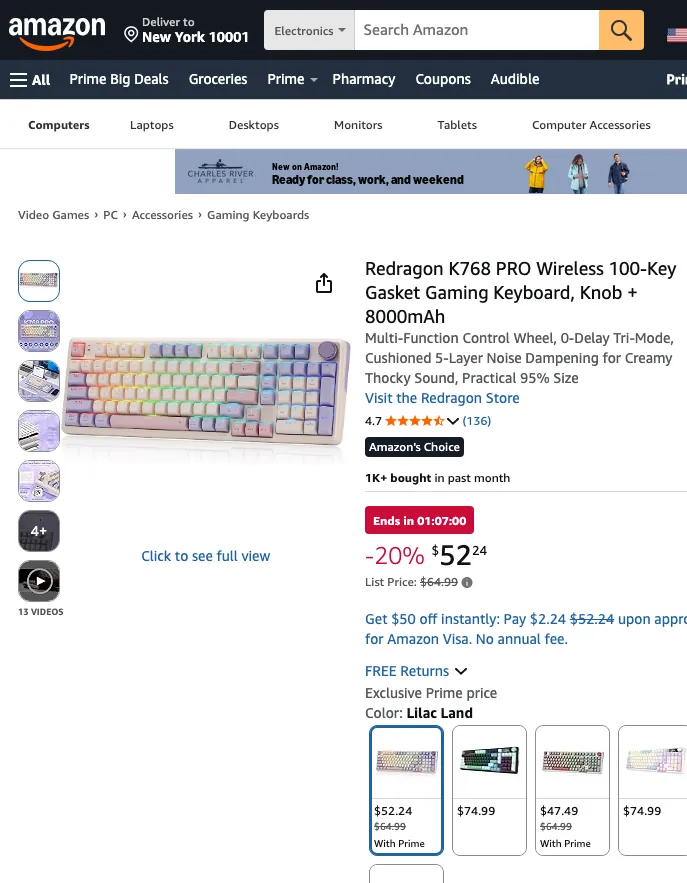
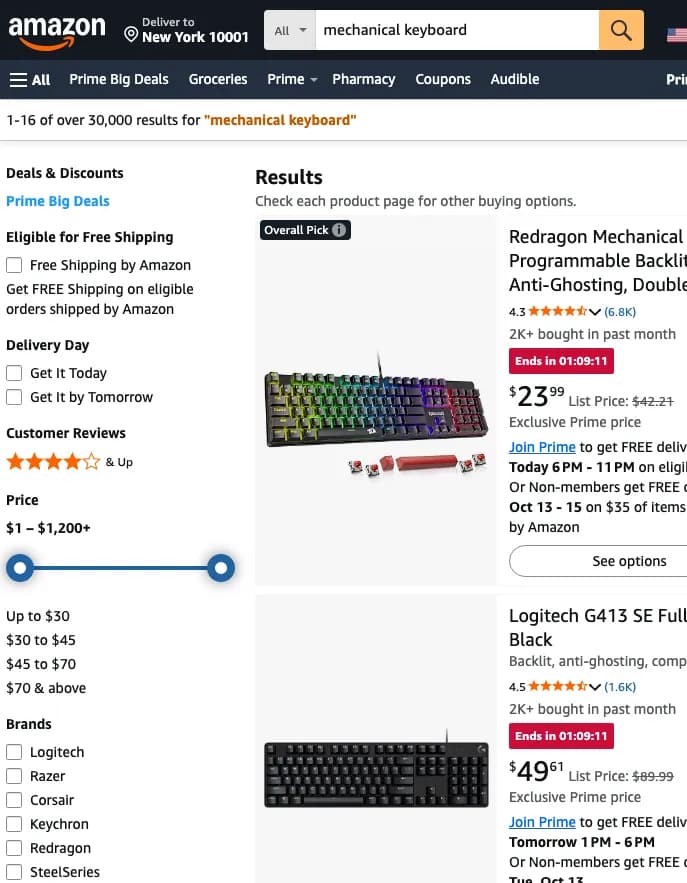
What would you use it for?

Recreated from real pages captured on 8 October 2026. Answers follow what each page said at the time. The sites shown aren’t affiliated with Browser Agent.
Why you can trust it
- Open source, MIT license
- All of the extension’s code is public on GitHub, so anyone can check what it does. View on GitHub
- Use your own API key
- Bring a key for Claude, OpenAI, Gemini or OpenRouter, or use a model you run yourself. Requests then go straight from your browser to that provider, not through us.
- 15 interface languages
- Including English, 繁體中文, 简体中文, 日本語 and 한국어.
- It asks first
- Paying, submitting and deleting wait until you click Allow.
Pricing
Start free with 30 credits a month. No sign-up, no credit card.
Every plan runs on our cloud models, so you don’t need an API key. Paid plans can be canceled anytime. All plans include Sonnet 5.5, Opus 5.5, Haiku 5.5. The difference is how many credits you get each month.
Free
No sign-up, no credit card
- 30 credits a month
- About 10 Sonnet 5.5 tasks
Pro
RecommendedFor everyday use
- 500 credits a month
- About 166 Sonnet 5.5 tasks
Power
For lots of research and long reads
- 1,500 credits a month
- About 500 Sonnet 5.5 tasks
- Prices are in US dollars. Tax is calculated at checkout based on where you live.
- Payments are handled by Paddle, our reseller and merchant of record.
- You sign in with Google or GitHub and upgrade from Settings in the side panel; your plan belongs to that account.
Common questions
- How do credits work?
- Each task (one message you send, until the agent stops) uses credits based on the model and thinking depth (Sonnet 5.5 uses 3, Opus 5.5 uses 6, Haiku 5.5 uses 1 at Balanced). For Sonnet and Opus, credits scale with depth: Fast is about 2/3 of Balanced, and Deep, Deeper and Deepest are about 1.7×, 2.3× and 3.3×. Each web search during a task adds 1 credit, and reading longer pages costs more. Unusually long tasks (for example, reading dozens of pages) are charged at least by actual usage. The side panel shows the estimate before you send. Free credits reset on the 1st of each month (UTC) and paid plans reset each billing period. Unused credits don’t carry over.
- Where does my data go?
- In Cloud mode, your messages and the page content a task needs go through our server to Anthropic, the model provider. We keep usage records (model, tokens, credits), not your messages, page content or the model’s replies. With your own API key, requests go straight from your browser to your provider. Conversations, memories and settings stay in your browser. Read the Privacy Policy
- Can I cancel?
- Yes, anytime, from Manage subscription on the upgrade page (open it from Settings in the extension). Your plan stays active until the end of the period you paid for, and you won’t be charged again. See the Refund Policy
- Do I need to sign up?
- Not for the free plan: the extension identifies your installation with a device token, so there’s no account to create. To buy a plan, you first sign in with Google or GitHub, which also lets you use your plan on other computers. At checkout, Paddle asks for your email to send receipts and manage your subscription.
- Is it open source?
- Yes. The extension is MIT licensed and the code is on GitHub. View the code
Try it on the page you have open
No sign-up. Works as soon as it’s installed.